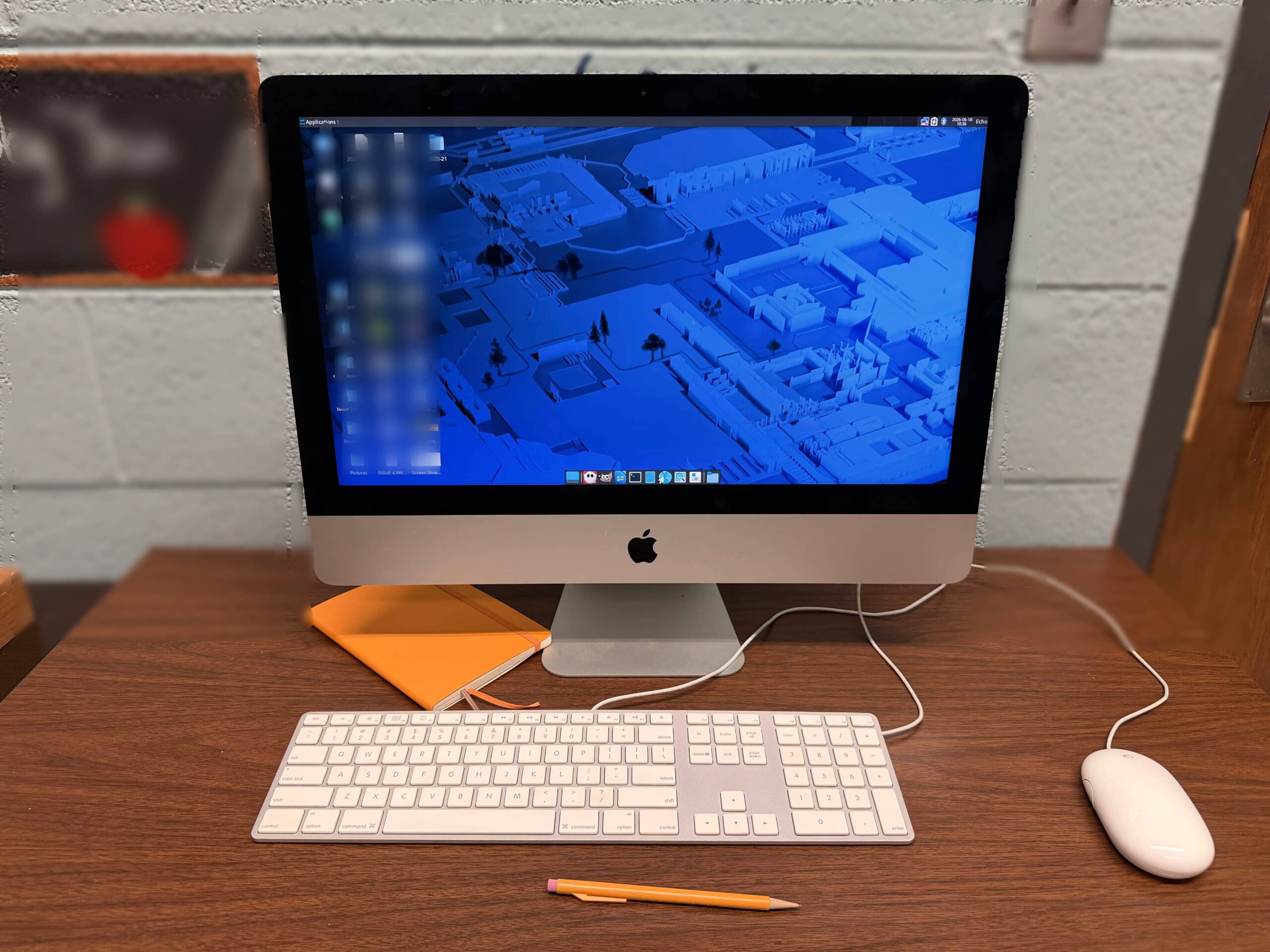

Occasionally, you see something and are compelled to engage with it. That was me this past week after casually being invited to sift through soon-to-be discarded items at my institution. Among the older, solid wood furniture and whiteboards stood a single piece of modern technology. An Intel iMac that once served the student newspaper publication, The Highland Echo.
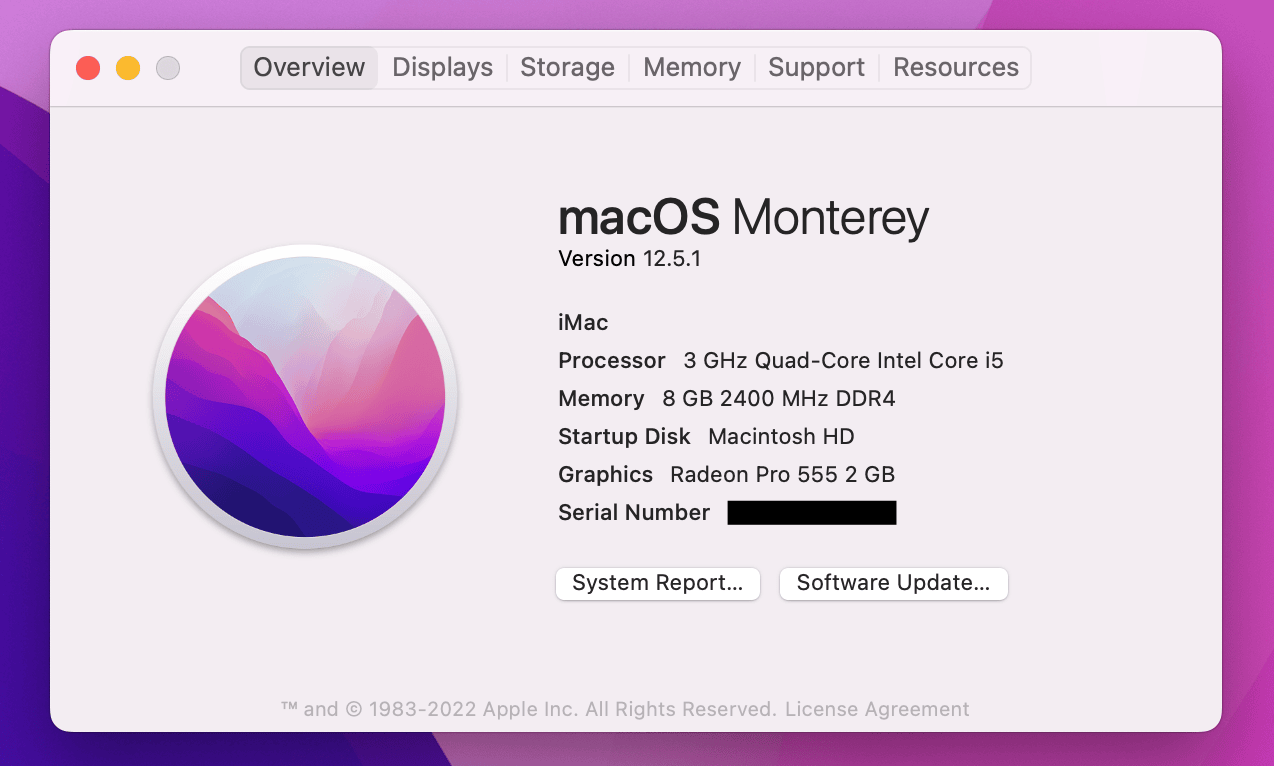
I instantly was taken back to when I purchased my first Apple product in 2013, a mostly base configuration 13” MacBook Air. You know, the one that fit in an envelope? I loved that device for as long as I used it. The slightly dated OS and look of the iMac brought back plenty of memories, but this machine still should have life in it based on the specs, unlike my first Mac. It is fantastic that the Intel-based Apple computers are so Linux friendly.
The iMac’s intended new home is a student workspace and it felt fitting to repurpose this device as a standalone text editing machine. That meant finding a lightweight Linux distribution, I went with Fedora Xfce, installing Ghostwriter, and creating a non-sudo user account. That’s really it. I wanted to limit the number of applications to keep the machine performant (comparative to its primary use) and ensure that any future users can write distraction free.
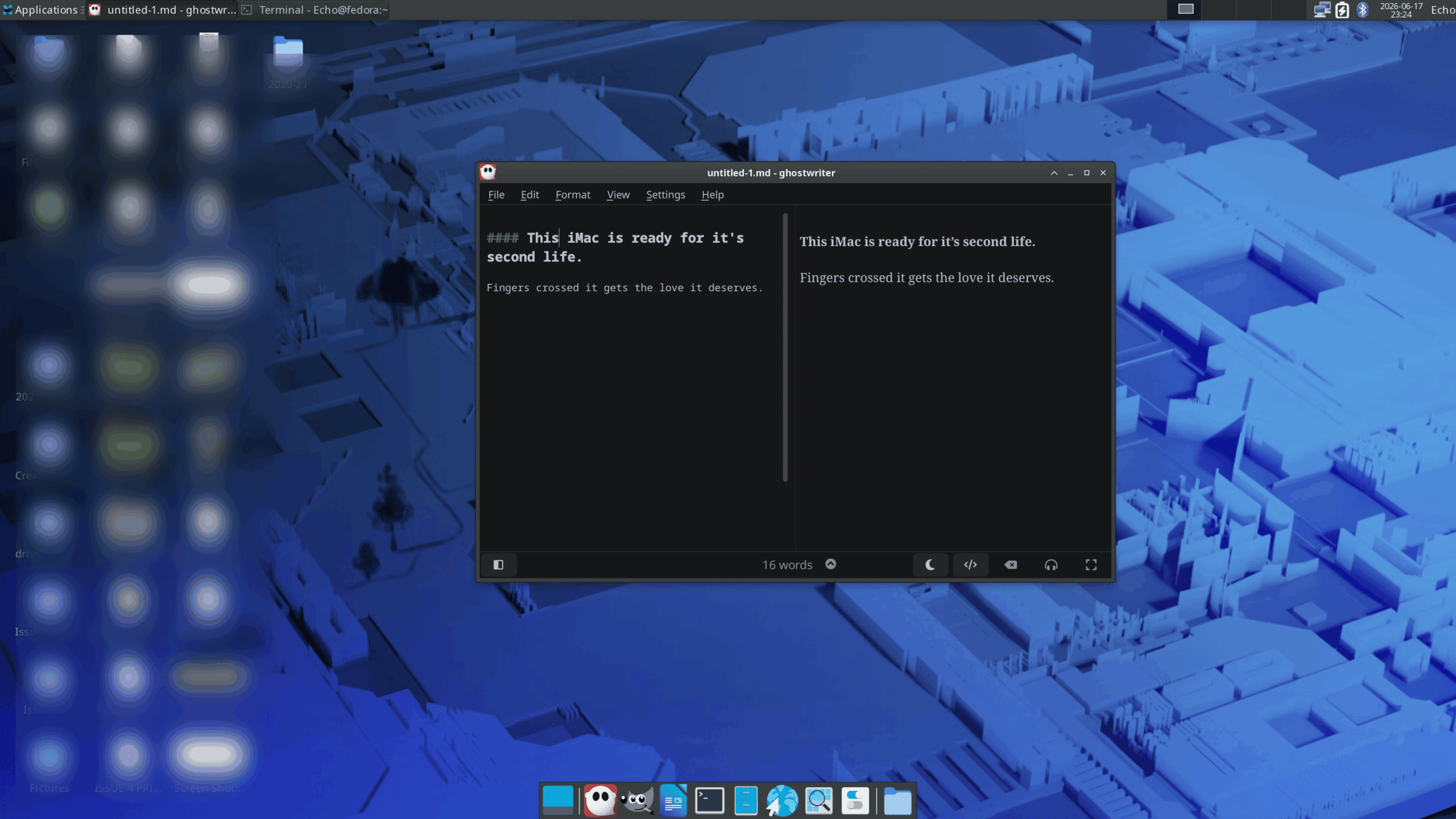
The irony of this mini project is it distracted me from other priority tasks, but the small amount of effort it required felt like a worthy side quest. I even briefly engaged with learning to scale GUI applications that ignore system defaults. In my case, Ghostwriter ignored the 2x scaling set by the X11 windowing system. The temporary fix was to launch Ghostwriter using the code below, but there are permanent fixes I will implement at some point.
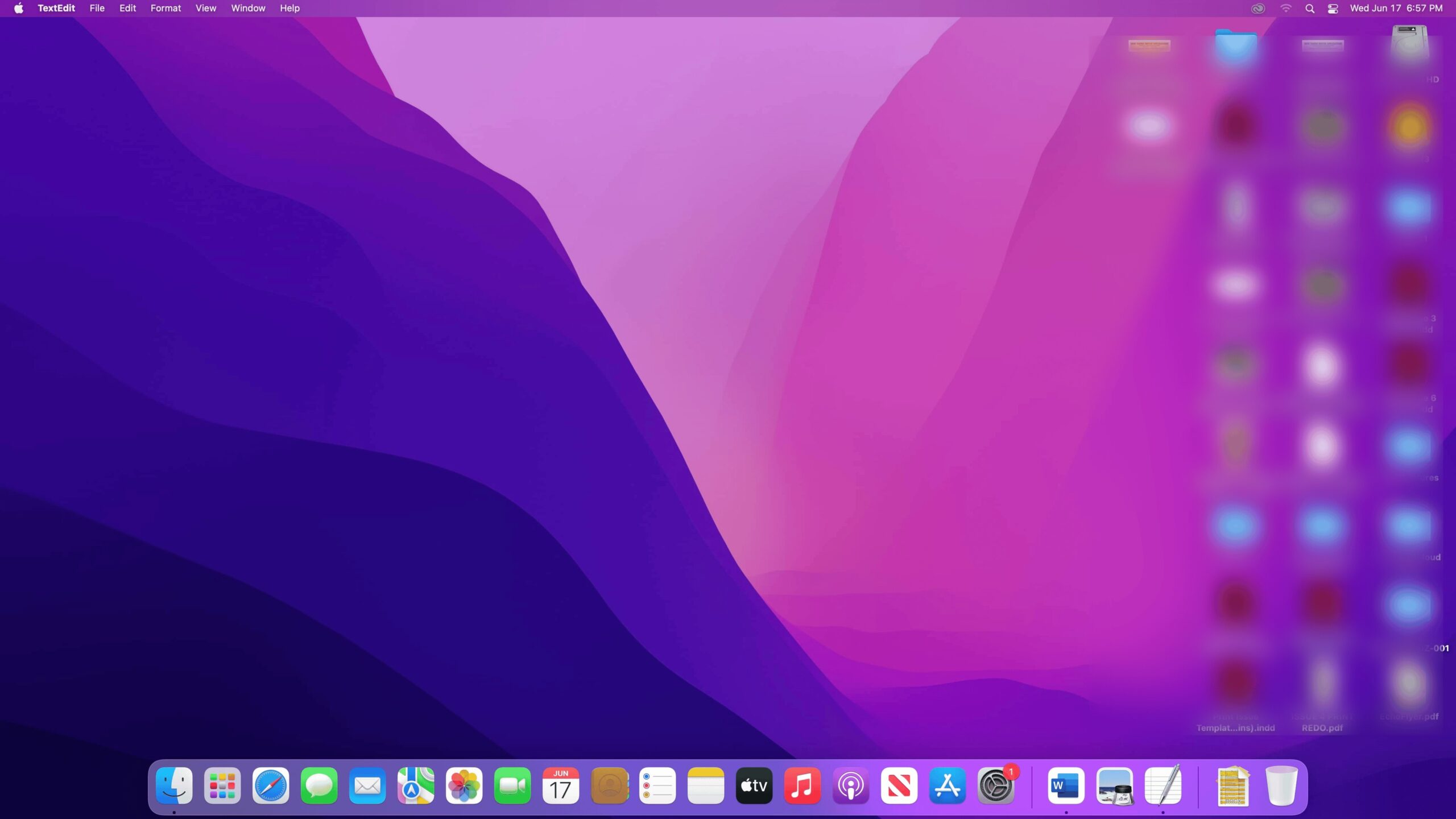
env QT_AUTO_SCREEN_SCALE_FACTOR=0 QT_SCALE_FACTOR=2 <“your application">Interestingly, MacOS Monterey only allowed for a display resolution of 1080p. Linux allows the display to render at a full 4K (hence the need for text scaling). The root cause for the enhanced resolution remains a mystery, but my hunch involves the GPU being able to output at a native resolution that was previously software-restricted by MacOS. Maybe I’ll get back to this one in the future.